OBDLAUNCH
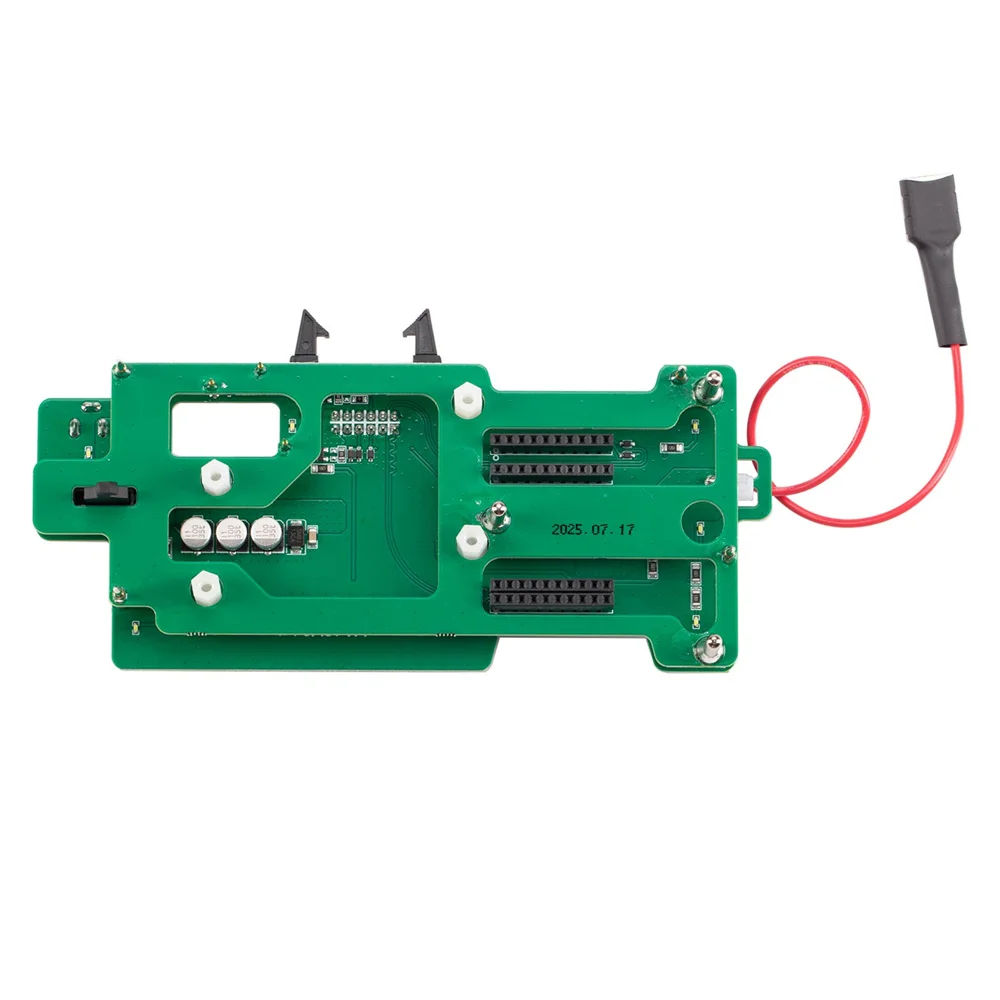
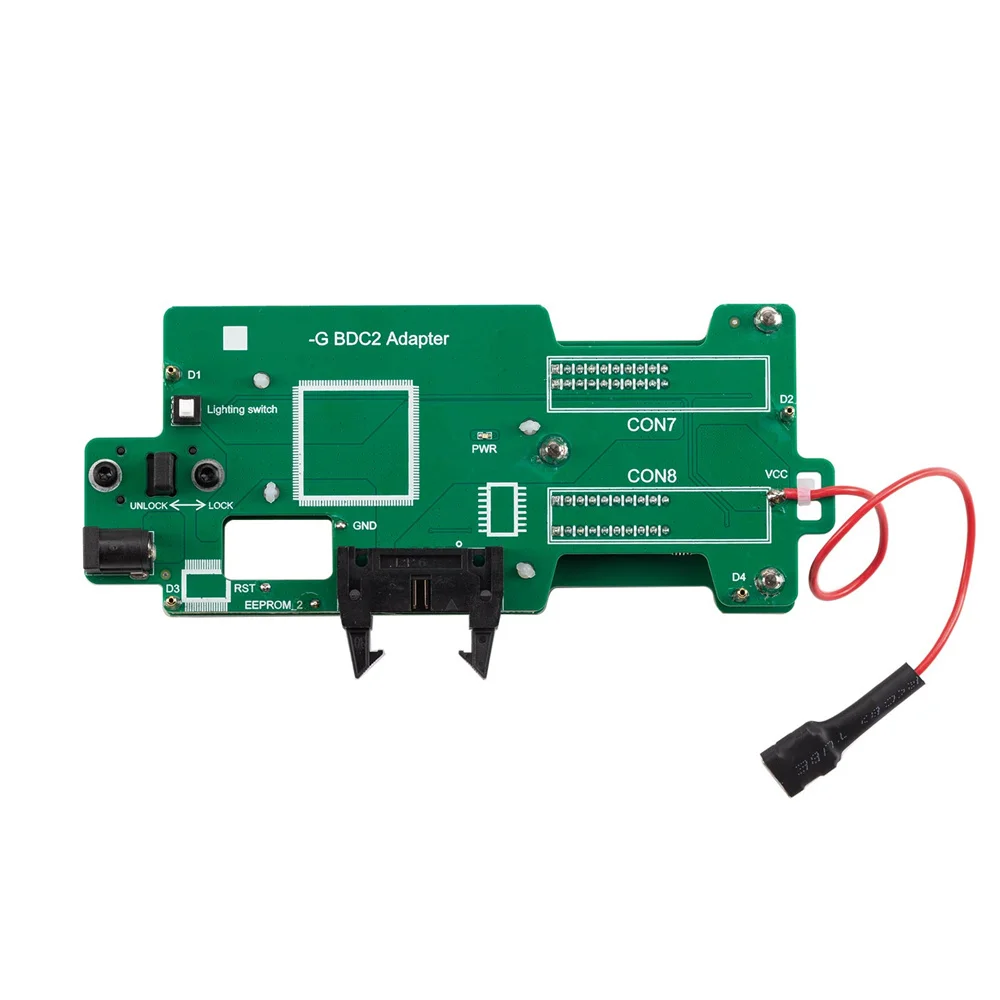
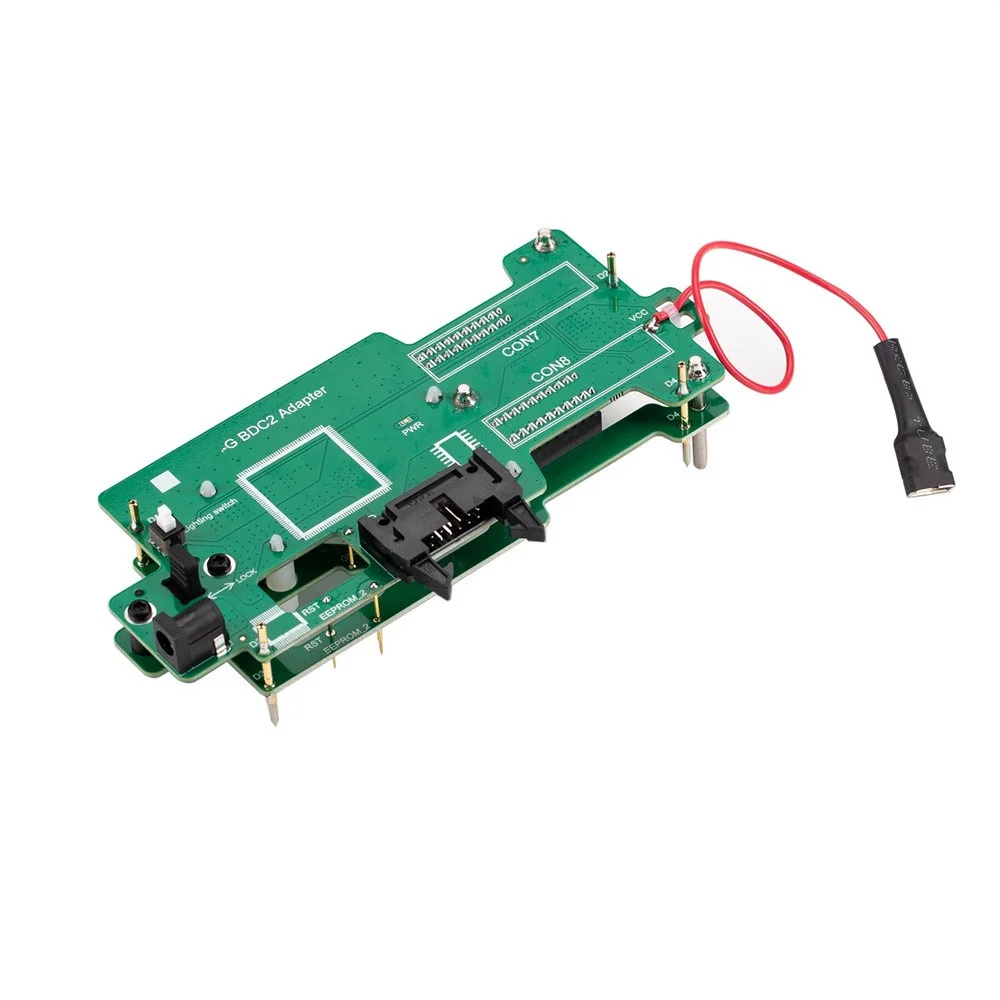
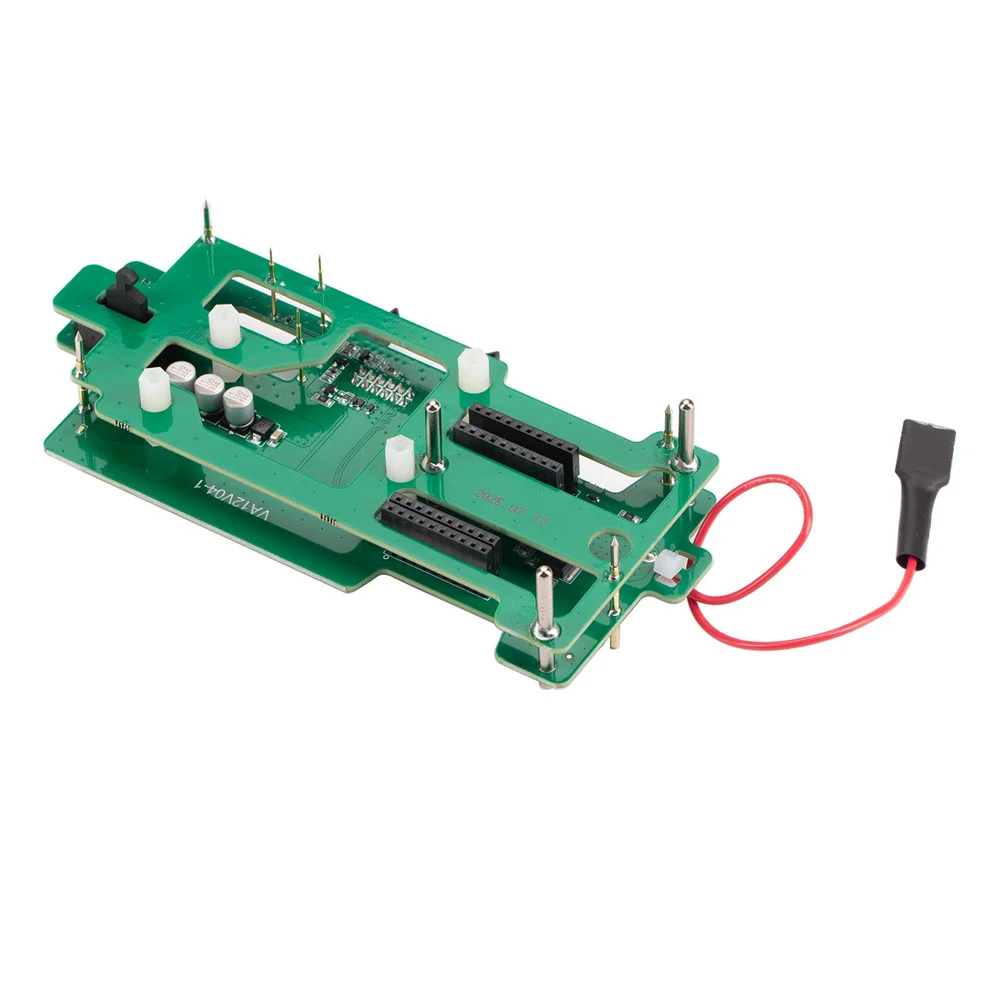
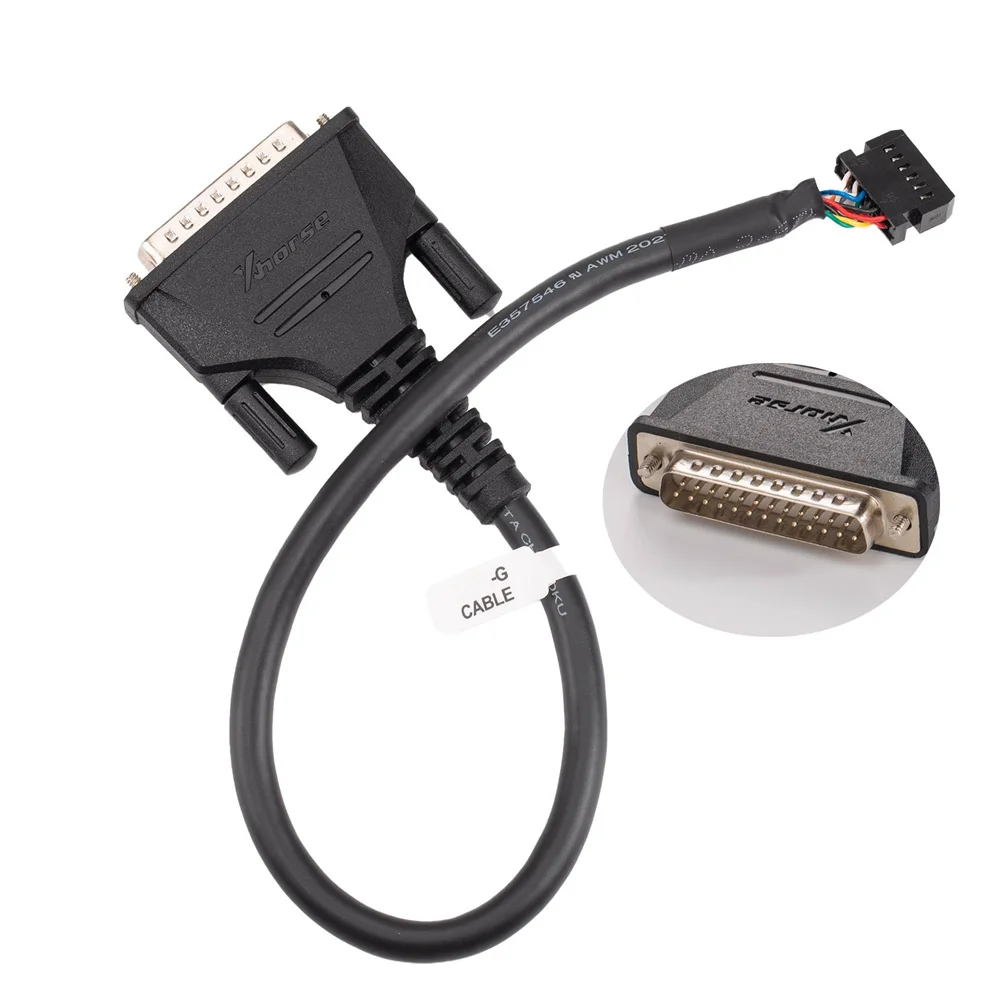
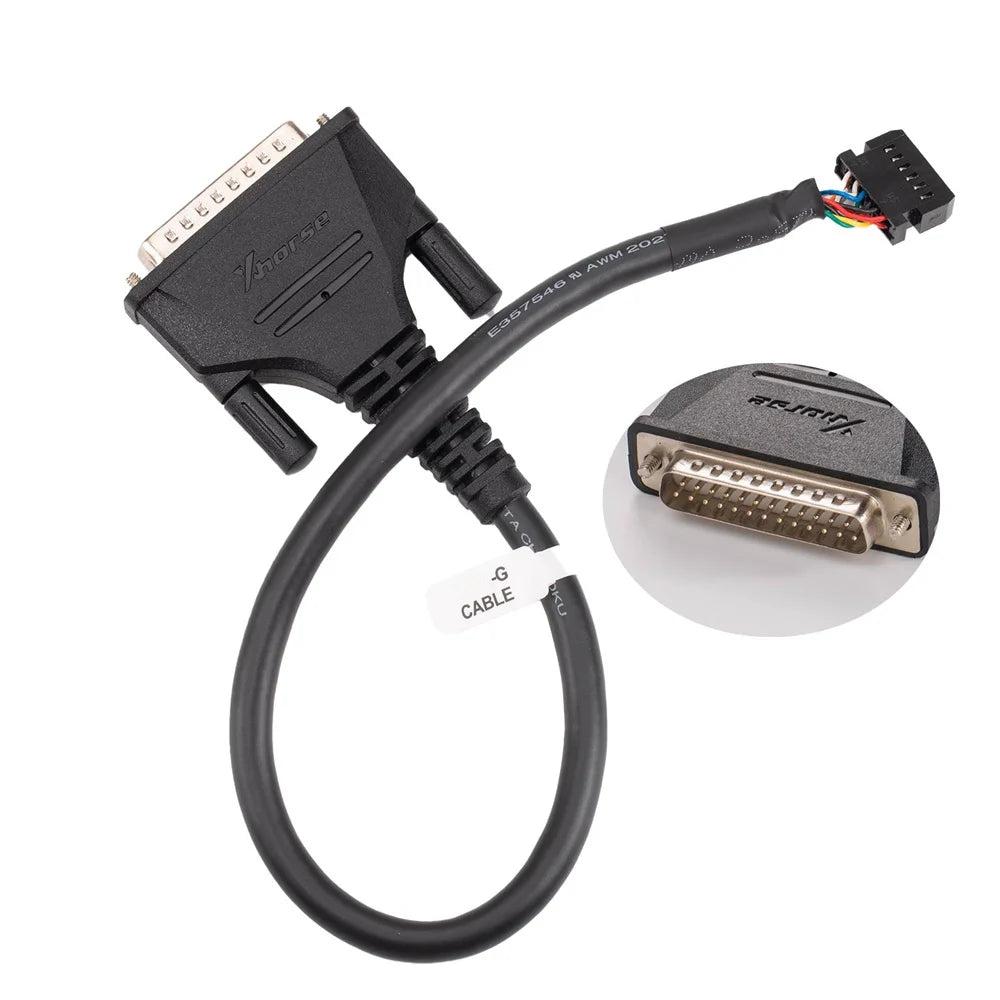
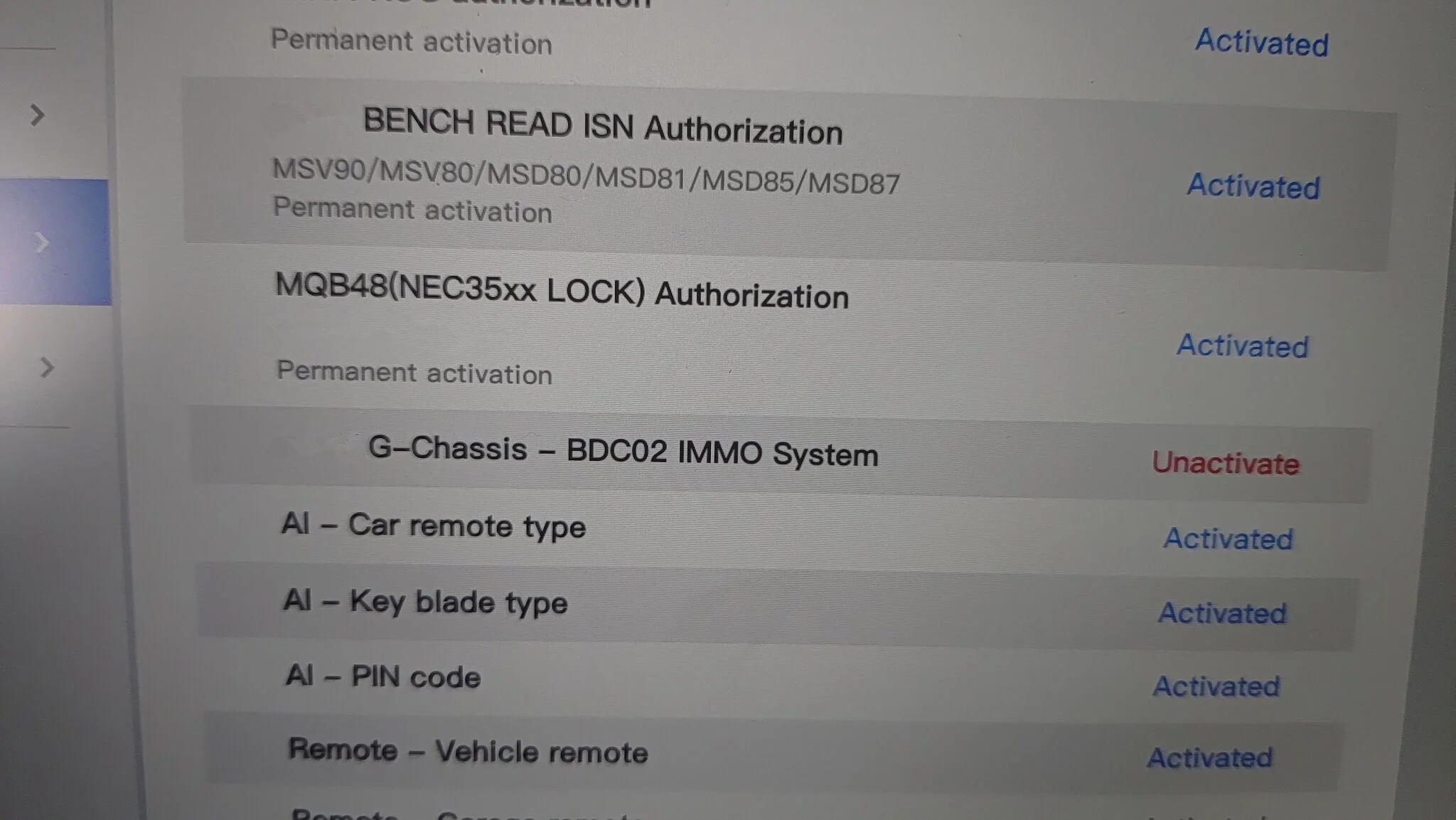
Xhorse XDNPBGGL for BMW G Series BDC2 Adapter for Key Tool Plus PAD, VVDI2 and MIDI Can Choose for BMW G-Chassis-BDC2 License
Xhorse XDNPBGGL for BMW G Series BDC2 Adapter for Key Tool Plus PAD, VVDI2 and MIDI Can Choose for BMW G-Chassis-BDC2 License
Couldn't load pickup availability
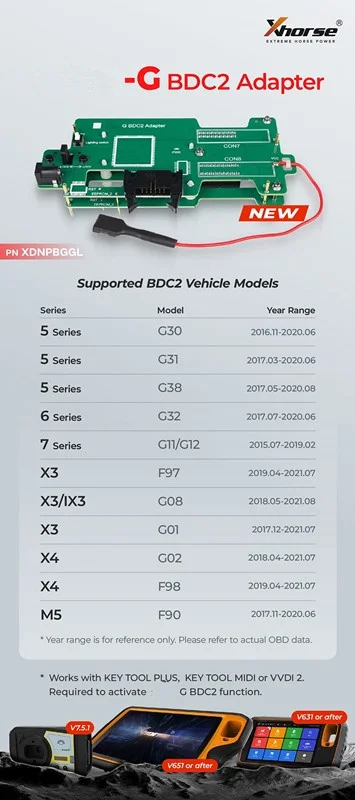
Vehicle List:
5 Series (G30/G31/G38) 2016.11-2020.8
6 Series (G32) 2017.7-2020.6
7 Series (G11/G12) 2015.7-2019.2
X3 (G01/G08/F97) 2017.12-2021.8
X4 (G02/F98) 2018.4-2021.7
M5 (F90) November 2017.11-2020.6
for Rolls-Royce 2018-
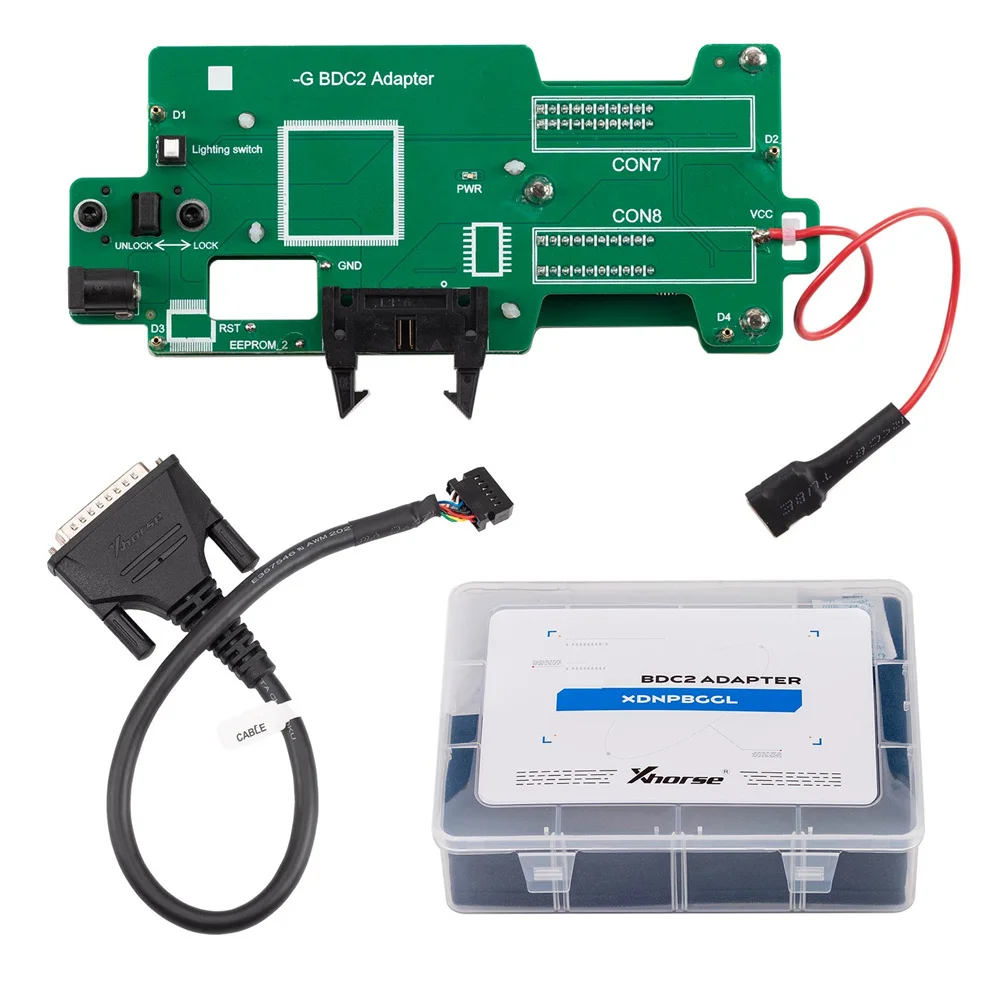
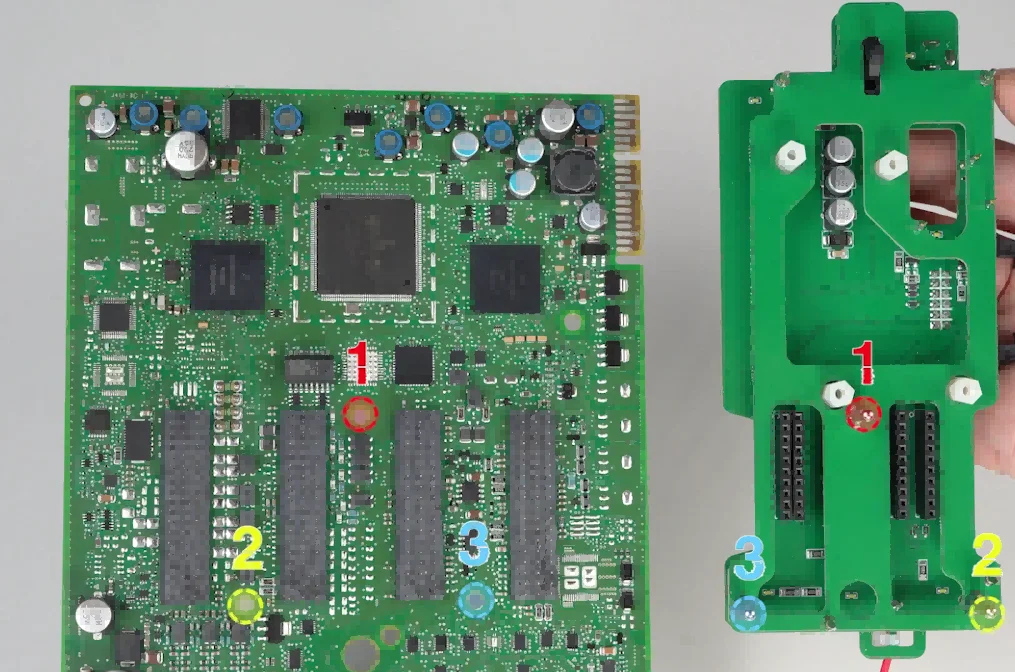
How to connect Xhorse for BMW-G BDC2 Adapter?
1. Align the 3 positioning pins with the corresponding holes on the chassis.
2. Press down firmly on th adapter at the CON7/CON8 locations until it is fully seated.
3. Verify the accurate positioning of the RST/EEPROM_2/GND pins.
4.Slide the adapter latch to the LOCK position.
Directly check the fuse connectors on the vehicle without repeatedly disassembling the BDC for inspection.
Additionally, if there is an issue with the BDC during the key programming process that requires online coding or initialization, the operation can be performed directly on the platform without connecting it to the vehicle.
This greatly simplifies the workflow and avoids the many power supply and communication requirements and limitations associated with performing programming operations directly on the car.
Package List: