OBDLAUNCH
THINKCAR VENU 90 Car Tire Pressure Monitor WIFI Programming Diagnostic Tool Activate All Sensor Work On 315 433MHz DTCs
THINKCAR VENU 90 Car Tire Pressure Monitor WIFI Programming Diagnostic Tool Activate All Sensor Work On 315 433MHz DTCs
Couldn't load pickup availability
What is THINKCAR VENU 90?What are the Advantages?
THINKCAR VENU 90 is a special inspection device launched by THINKCAR for the automotive tire pressure diagnosis market, which integrates tire pressure programming, tire pressure diagnosis, and tire pressure matching.
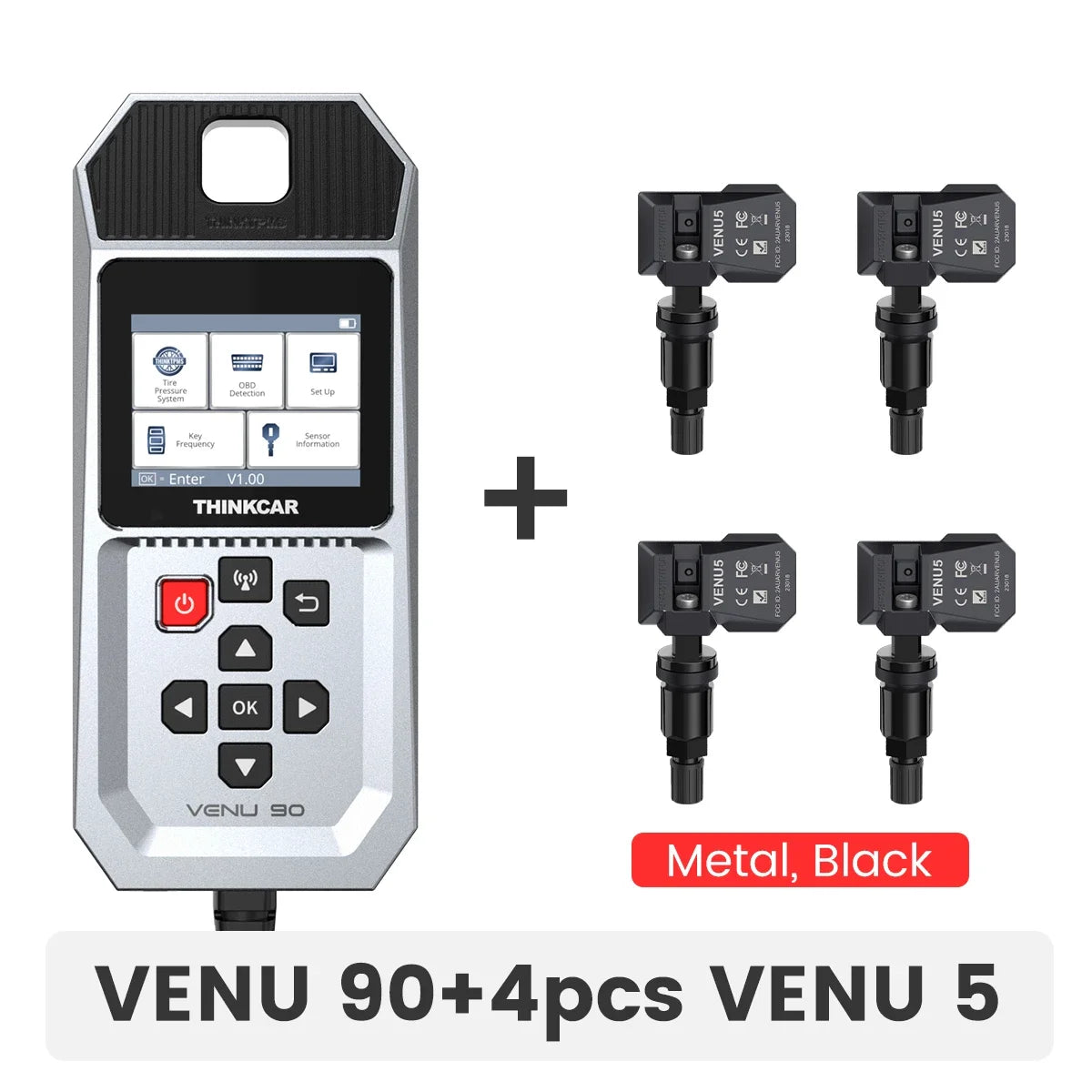
It supports activation of 315MHz and 433MHz tire pressure sensors, can perform tire pressure diagnosis on thousands of models, and can wirelessly program THINKCAR Venu 5 Sensors, or S1 S2 S3 tire pressure sensors. It's support lifetime free wireless Wifi update, can use independentely, no need APP or work with other tools. Morever, it's not only a TPMS tire pressure tool, but also a car OBD2 diagnostic tool with full obd2 function.
Highlighs of THINKCAR VENU 90
1. Support 98% Vehicle,
2. TPMS Diagnostic, Read/Clear TPMS DTCs
3. Support Sensor Activation/ Sensor Learning
4.Program THINKCAR S1,S2,S3 or VENU sensors
5. 315MHz/433MHz frequency
6. Also car Scanner with Full OBD2 Functions
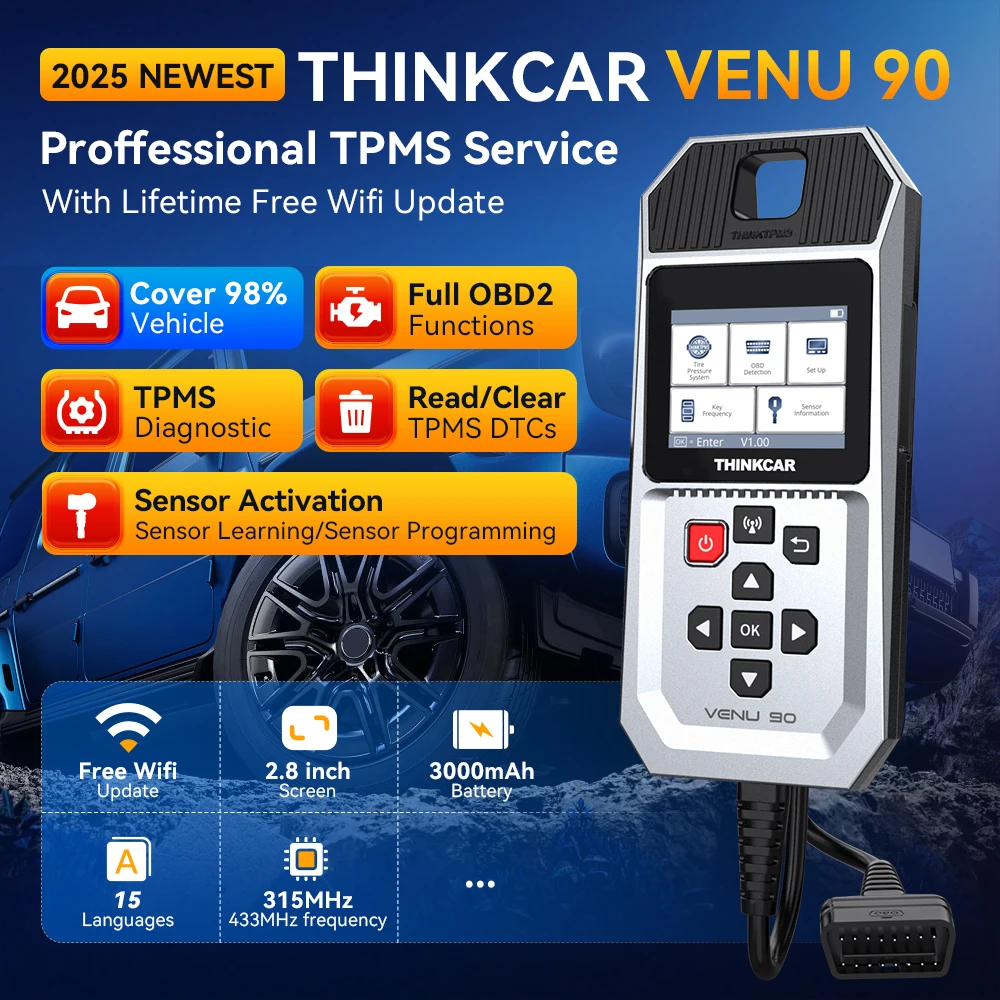
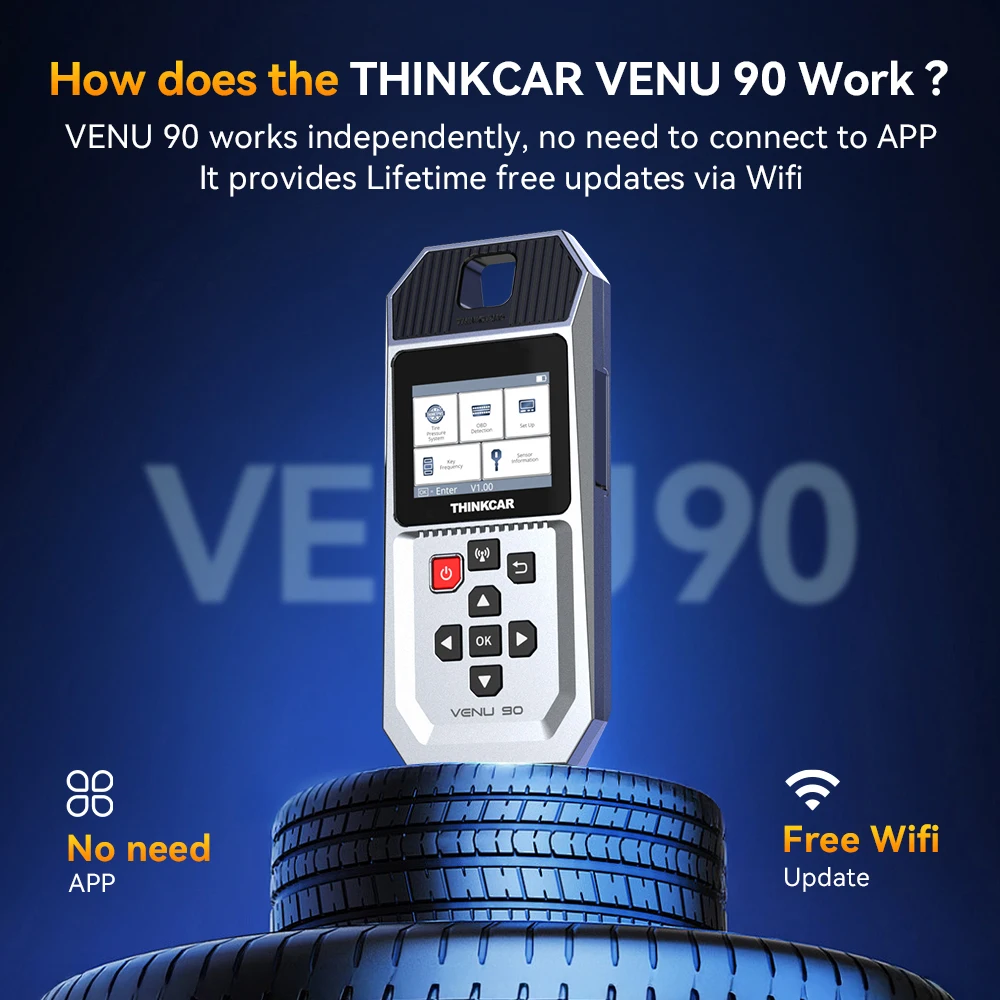
VENU 90 works independently, no need to connect to APP. It provides Lifetime free updates via Wifi.
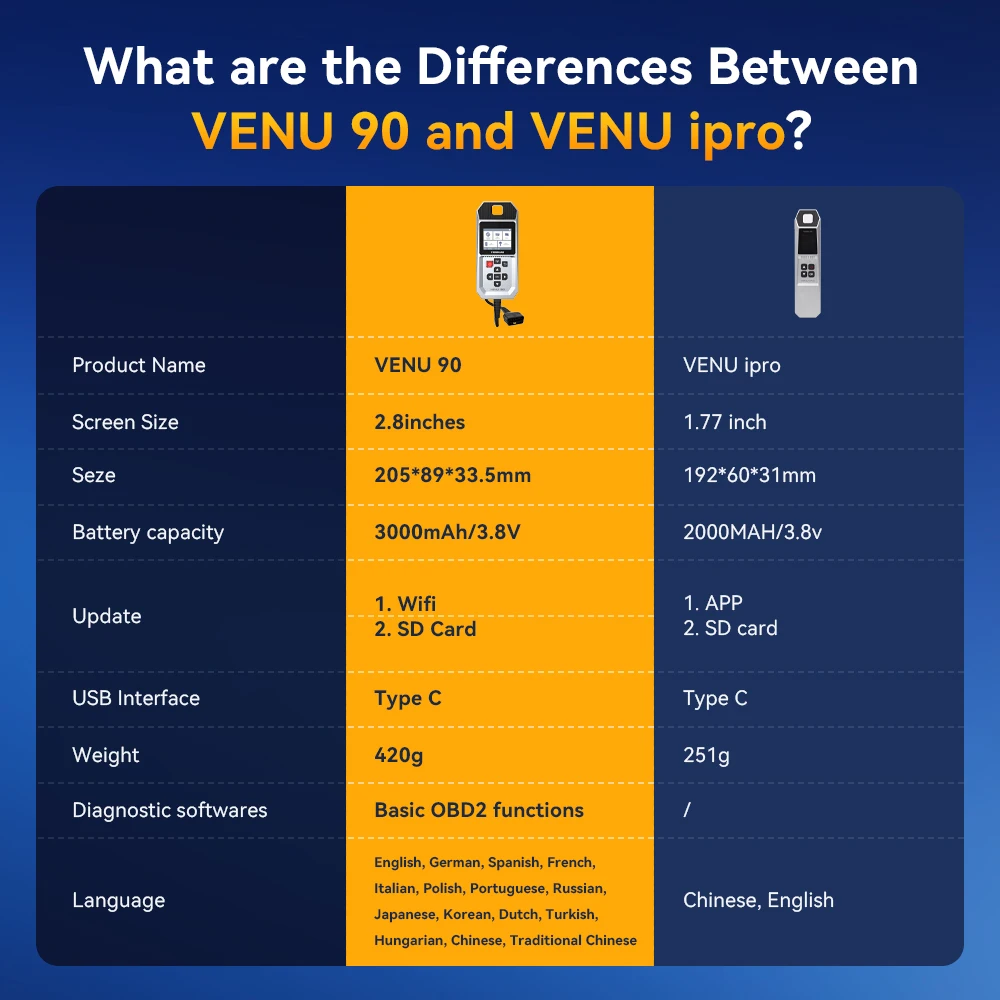
What are the Differences Between VENU 90 and VENU-i Pro?
THINKCAR Venu 90 Not only a TPMS Tool, but also a Car Diagnostic Tool
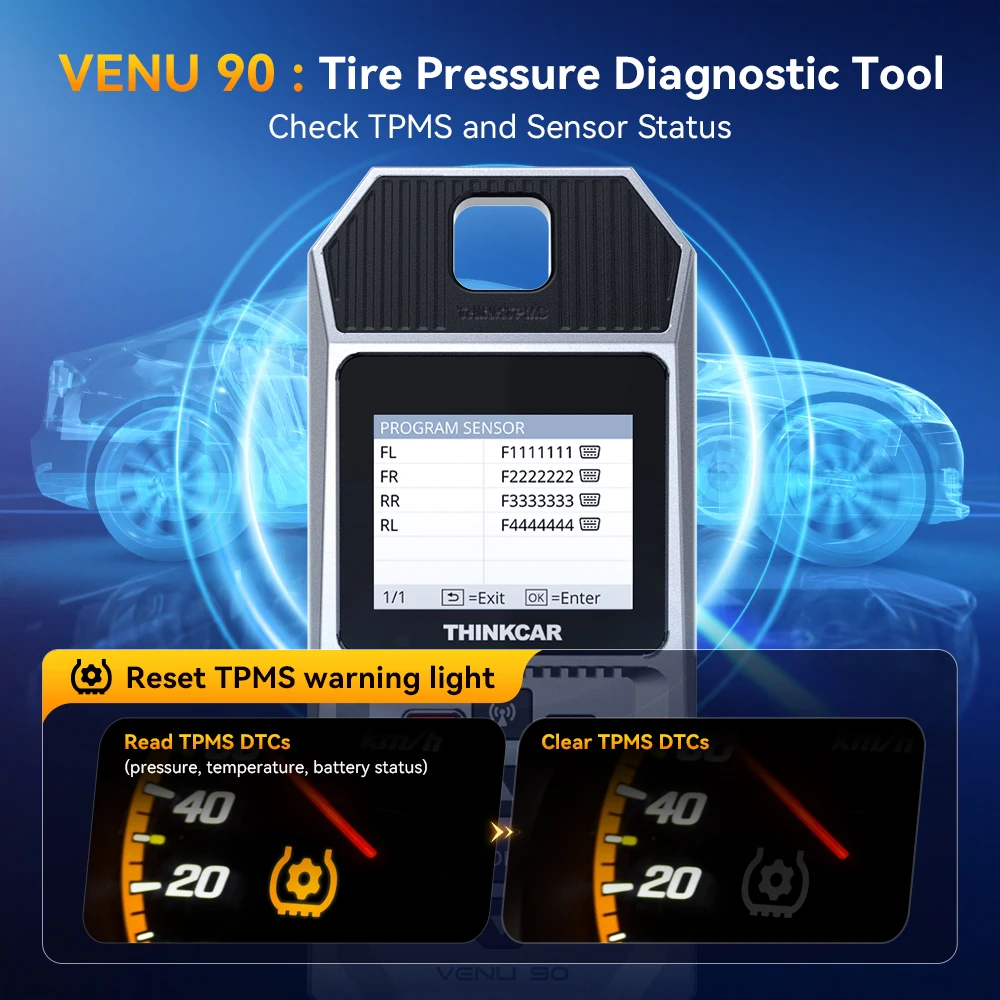
Diagnose tire pressure fault, Check TPMS and Sensor Status
Reset TPMS warning light
1. Read TPMS DTCs(pressure, temperature, battery status)
2. Clear TPMS DTCs
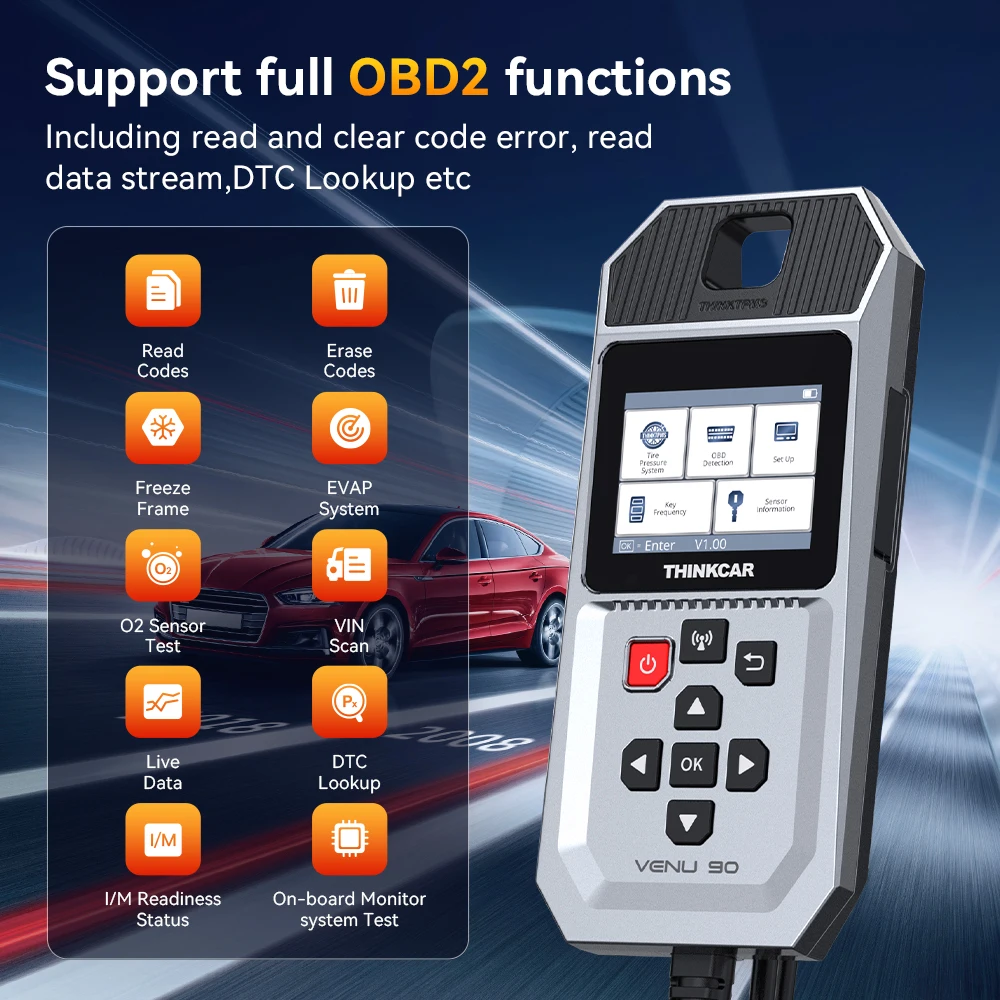
Support FUll OBD2 Functions
●Turn off the Check Engine Light:
THINKOBD enables you to clear the engine warning light, after completing the full obd2 diagnostics with ease. The main purpose of this tool is to:
-Scan the engine systems;
-Tell you about the nature of the issue;
-Give an accurate reason why the engine check light is on;
-Help to detect any potential problems;
-Avoid excessive costs for unnecessary repairs.
-The warning light does not turn off till you fix the issue.
●Pass Emission Test Smoothly:
With this scan tool, you don’t have to drive around endlessly, continuously coming back to the repair shop for the retest.
You can do a quick check of the vehicle, to determine if it is ready to pass the emission test.
●I/M Readiness
Check the readiness of the monitoring system. It is an excellent function to use prior to having a vehicle inspected for compliance to a state emissions program.
●O2 Sensor Test
Retrieve O2 sensor monitor test results for the most recently performed tests from the vehicle’s on-board computer.
-On-Board Monitor
View the results of On-Board Monitor tests. The tests are useful after servicing or after erasing a vehicle’s control module memory.
●On-Board Monitor
View the results of On-Board Monitor tests. The tests are useful after servicing or after erasing a vehicle’s control module memory.
●Get Effective Diagnostic Result:
Your repair work can be done in a short time by using THINKOBD as follows:
●Vehicle Information.
Display the vehicle identification number (VIN), the calibration identification (CIN), and the calibration verification number (CVN), and other information of the test vehicle.
●EVAP Test
Mode $08 command tells your car to start a test of the “evaporative emission control system”, to prevent fuel from evaporating out of your tank and contributing to smog.
By this way, you can verify your fix right away, without waiting a few days (or longer) for your car to run it automatically.
●Freeze Frame Data
Snapshot the precise conditions of the car when a fault code triggers the check engine light, to help identify the problem.
●Live Data Stream
Display the real time PID data from ECU (as analog inputs and outputs, digital inputs and outputs, and system status information broadcast on the vehicle data stream)
The live data produced is accurate and tells you exactly what you require to know about your vehicle.
●DTC lookup
Every code in THINKOBD comes with a description to aid technicians in efficient vehicle diagnostics and repair.
This will save you the trouble of having to go online to look for the meaning of a diagnostic trouble code. And you can also simply click on the error code selected so as to get an in-depth definition.
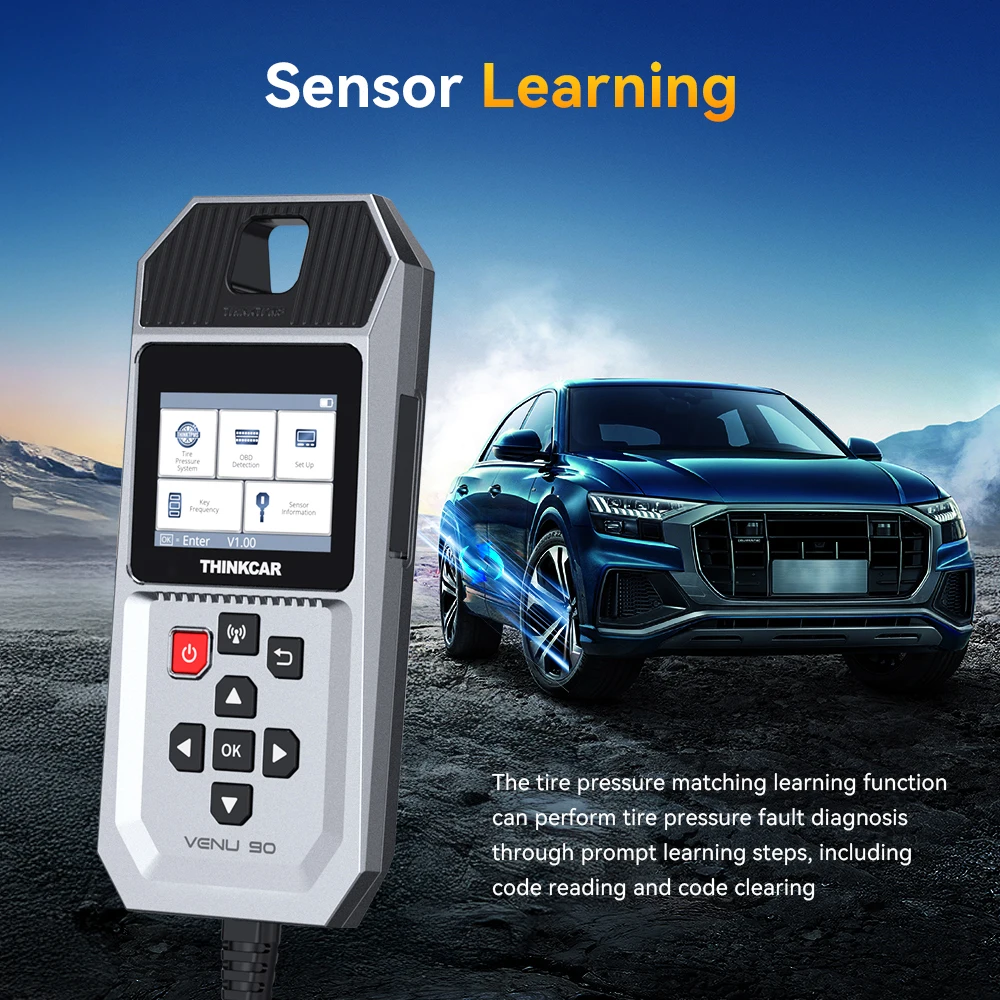
Support Sensor Learning:
The tire pressure matching learning function can perform tire pressure fault diagnosis through prompt learning steps, including code reading and code clearing.
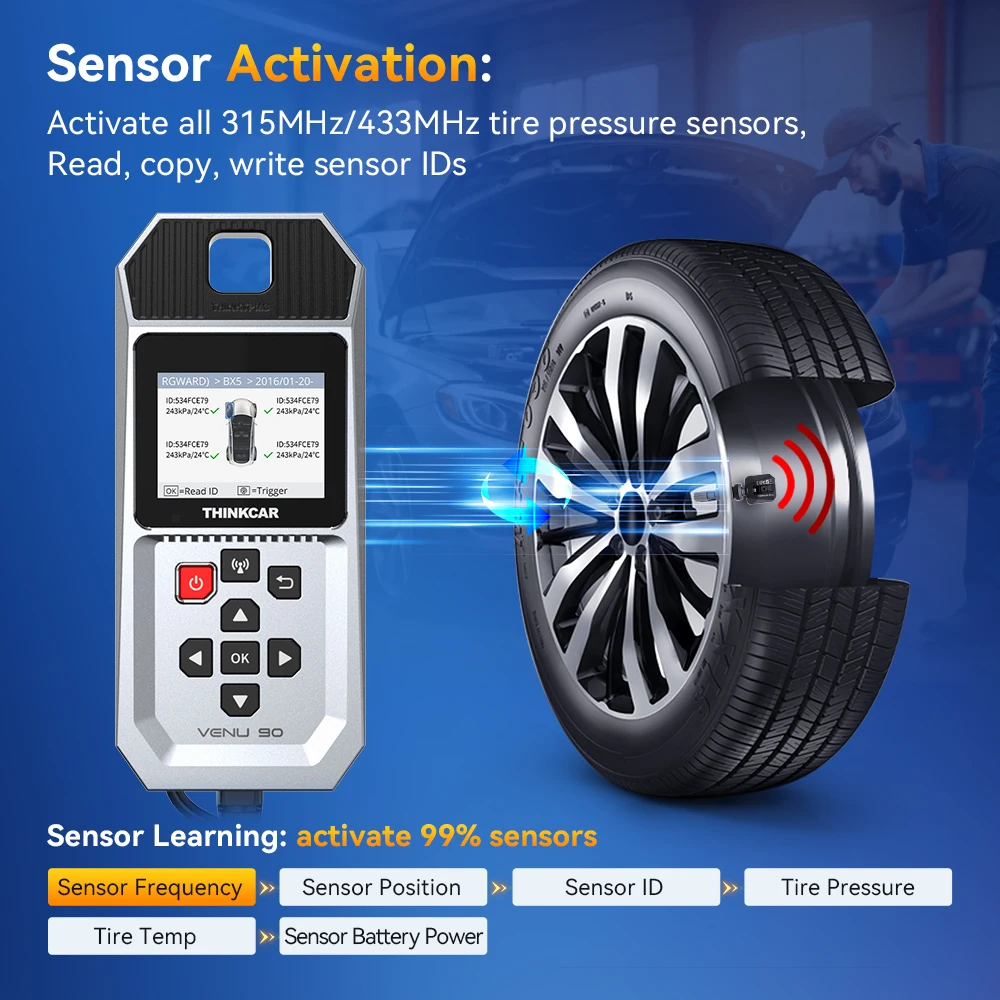
Support Sensor Activation:
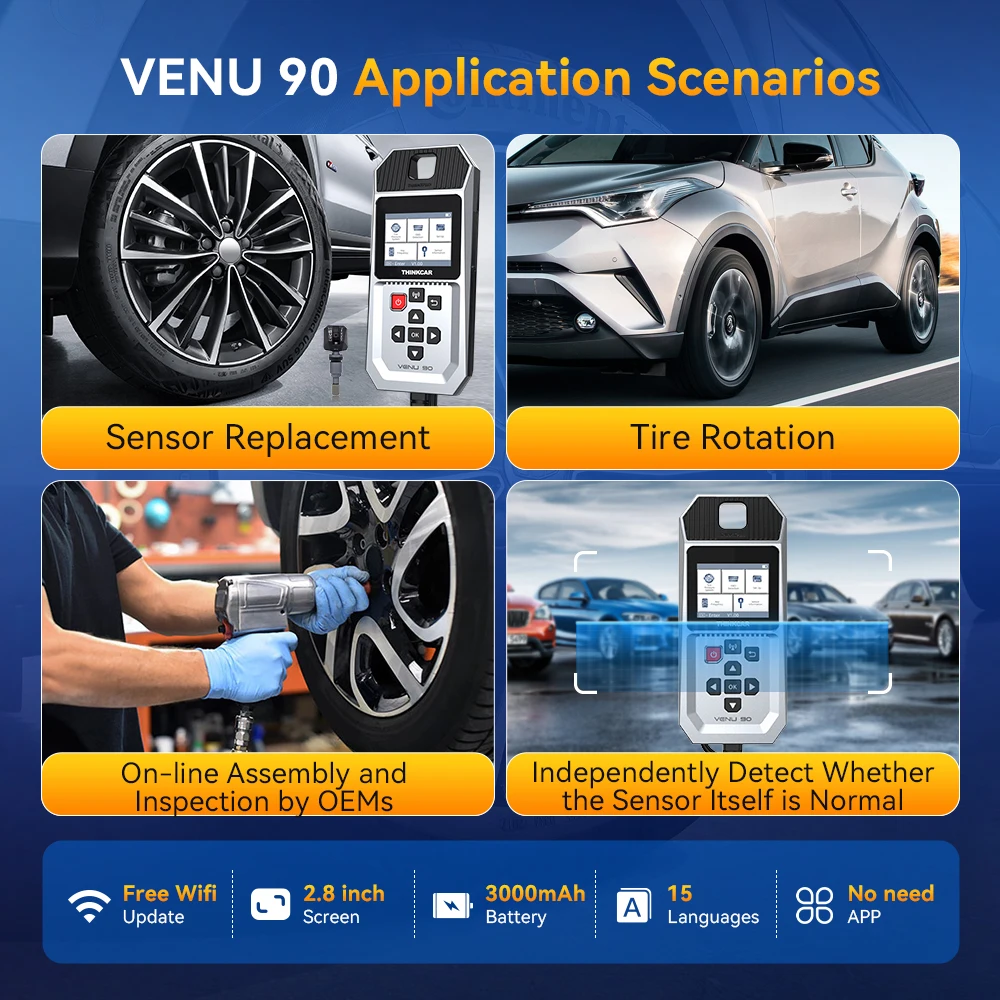
THINKCAR VENU 90 can activate all 315MHz/433MHz tire pressure sensors, and can read, copy, write sensor IDs and read tire pressure data (pressure, temperature, battery status)
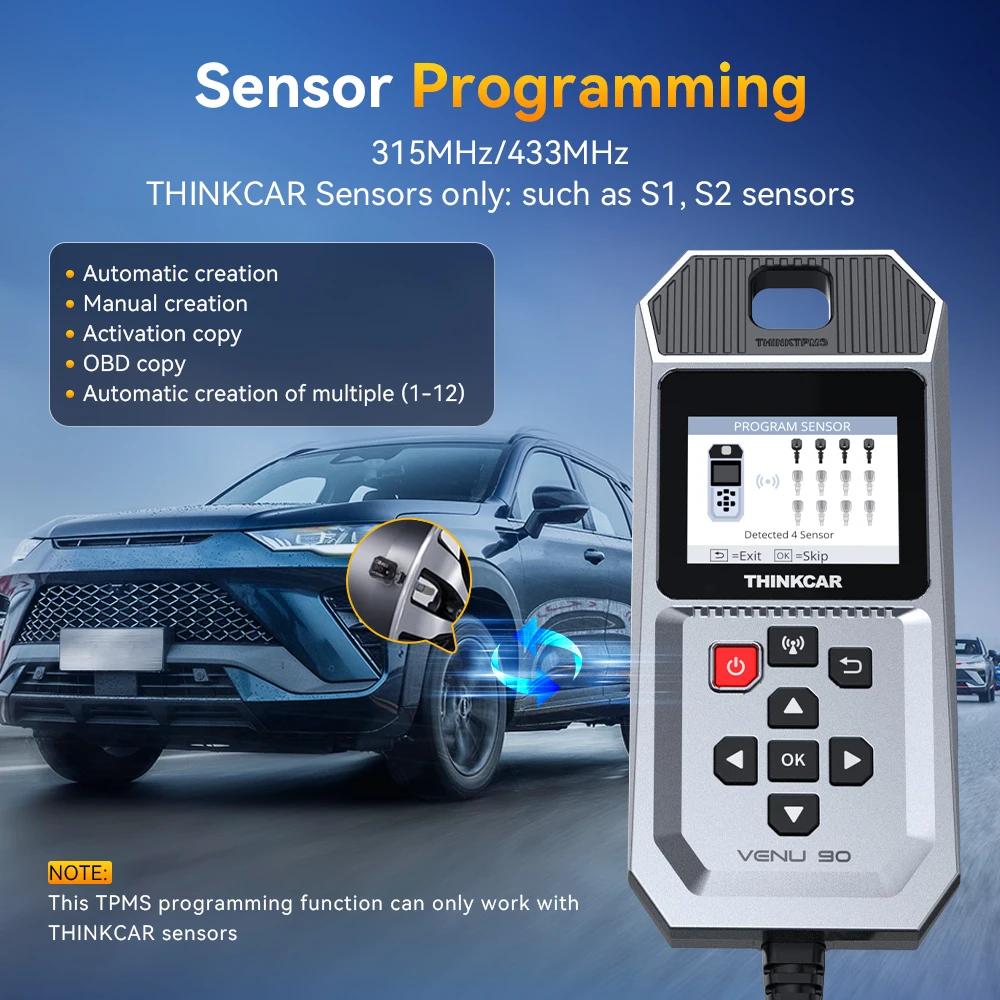
Support Sensor Programming:
NOTE: This TPMS programming function can only work with THINKCAR sensors.
315MHz/433MHz
THINKCAR Sensors only: such as S3, S2 sensors.
. Automatic creation
. Manual creation
. Activation copy
. OBD copy
. Automatic creation of multiple (1-12)
Support more than 115+ brands, 15 Languages
For OBDII diagnostics, the obd2 code reader works great for most cars built in 1996 or later, being compatible with following protocols:
-ISO 14230-4 (KWP2000)
-ISO 15765-4 (CAN)
-ISO 9141-2 (iso)
-ISO 14229 (uds)
-SAE J1850 (VPW & PWM)
-Original protocols of makers
For advanced functions as active test, all system diagnostics, and maintenance service, it covers 95% of car models available in the market including:
-Asia:
for Daewoo, for Honda, for JP Isuzu, for Kia, for Mazda, for Mitsubishi, for Nissan, for SGM, for Subaru, for Suzuki, for Toyota,for Hyundai, for Ssangyong
-Europe:
for Aston Martin, for Audi, for Benz, for BMW, for Citroen, for Ferrari, for Fiat, for Land Rover, for Maserati, for Opel, for Porsche, for Renault, for Rover, for Saab, for Seat, for Skoda, for Smart, for Sprinter, for Volvo, for VW, for Peugeot
-America:
for Chrysler, for USA-Ford, for GM
And keep updating.
Support 15 Languges: English, German, Spanish, French, Italian, Polish, Portuguese, Russian, Japanese, Korean, Dutch, Turkish, Hungarian, Chinese, Traditional Chinese

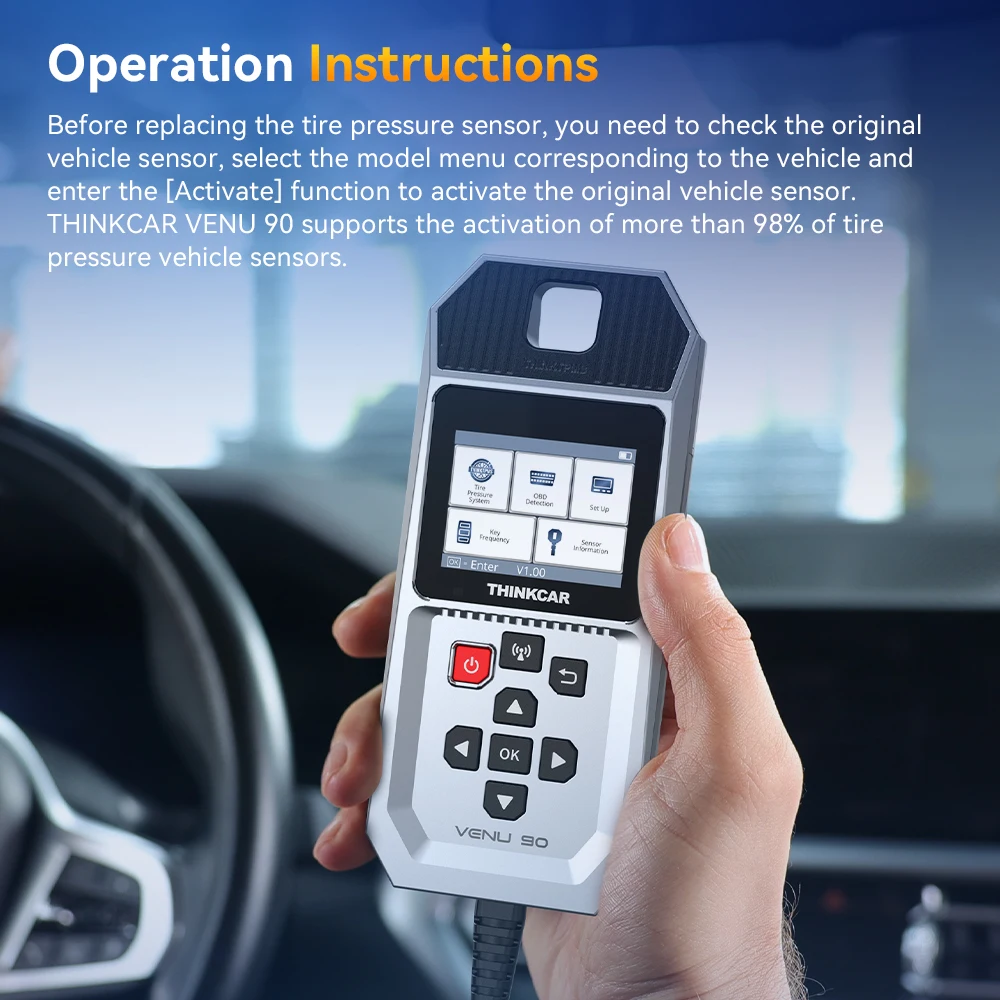
Operation Instructions:
Before replacing the tire pressure sensor, you need to check the original vehicle sensor, select the model menu corresponding to the vehicle and enter the [Activate] function to activate the original vehicle sensor. THINKCAR VENU 90 supports the activation of more than 98% of tire pressure vehicle sensors.
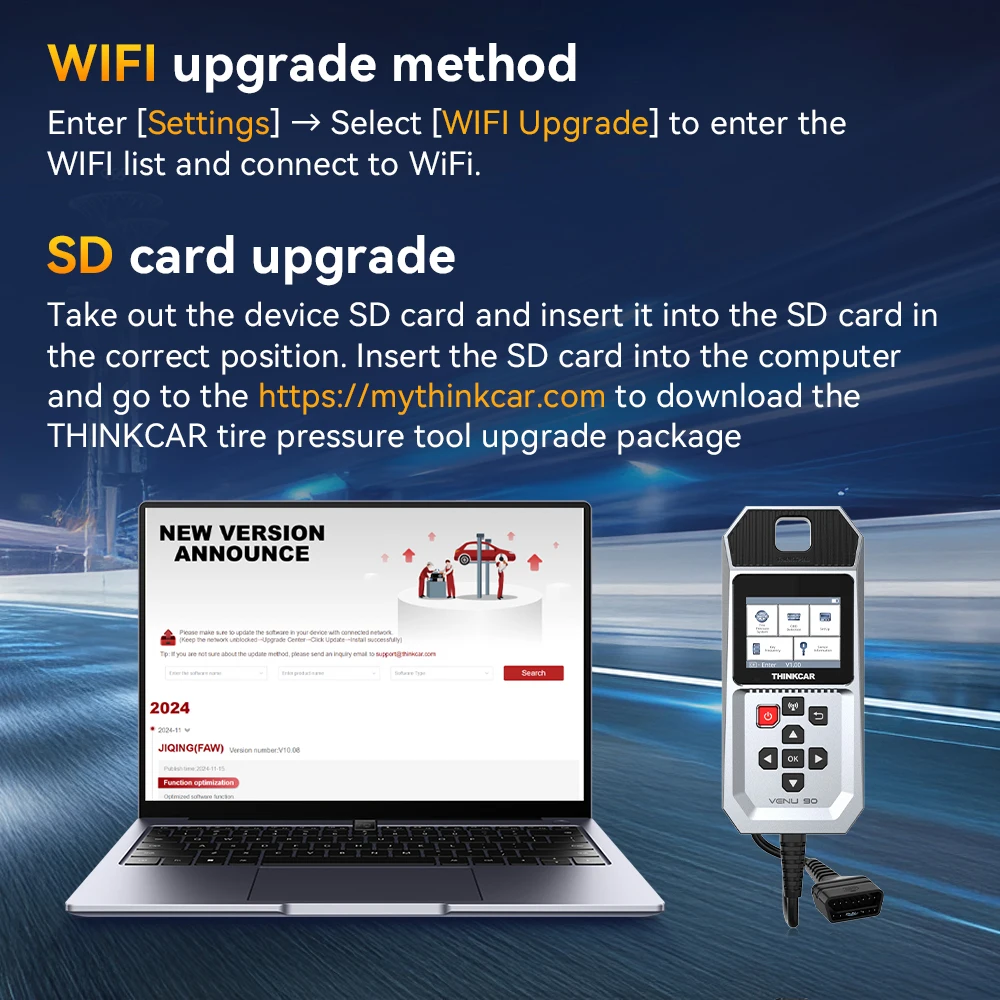
2 ways of Update methods
1). WIFI upgrade method:
Enter [Settings] → Select [WIFI Upgrade] to enter the WIFI list and connect to WiFi.
2). SD card upgrade:
Take out the device SD card and insert it into the SD card in the correct position. Insert the SD card into the computer and go to the https://mythinkcar.com to download the THINKCAR tire pressure tool upgrade package.
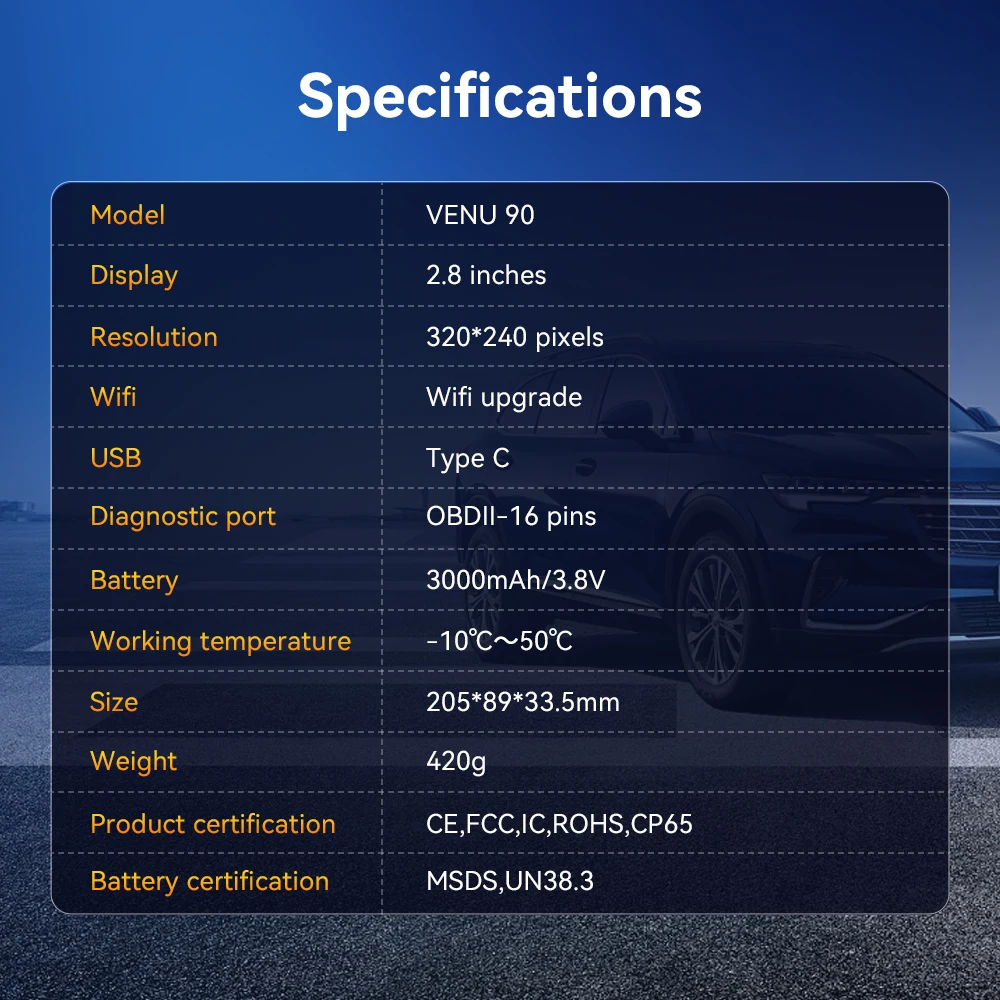
Specifications
Model: VENU 90
Display: 2.8 inches
Resolution: 320*240 pixels
Wifi: Wifi upgrade
USB: Type C
Diagnostic port: OBDII-16 pins
Battery:3000mAh/3.8V
Working temperature:-10℃~50℃
Size:205*89*33.5mm
Weight: 420g
Product certification: CE,FCC,IC,ROHS,CP65
Battery certification: MSDS,UN38.3
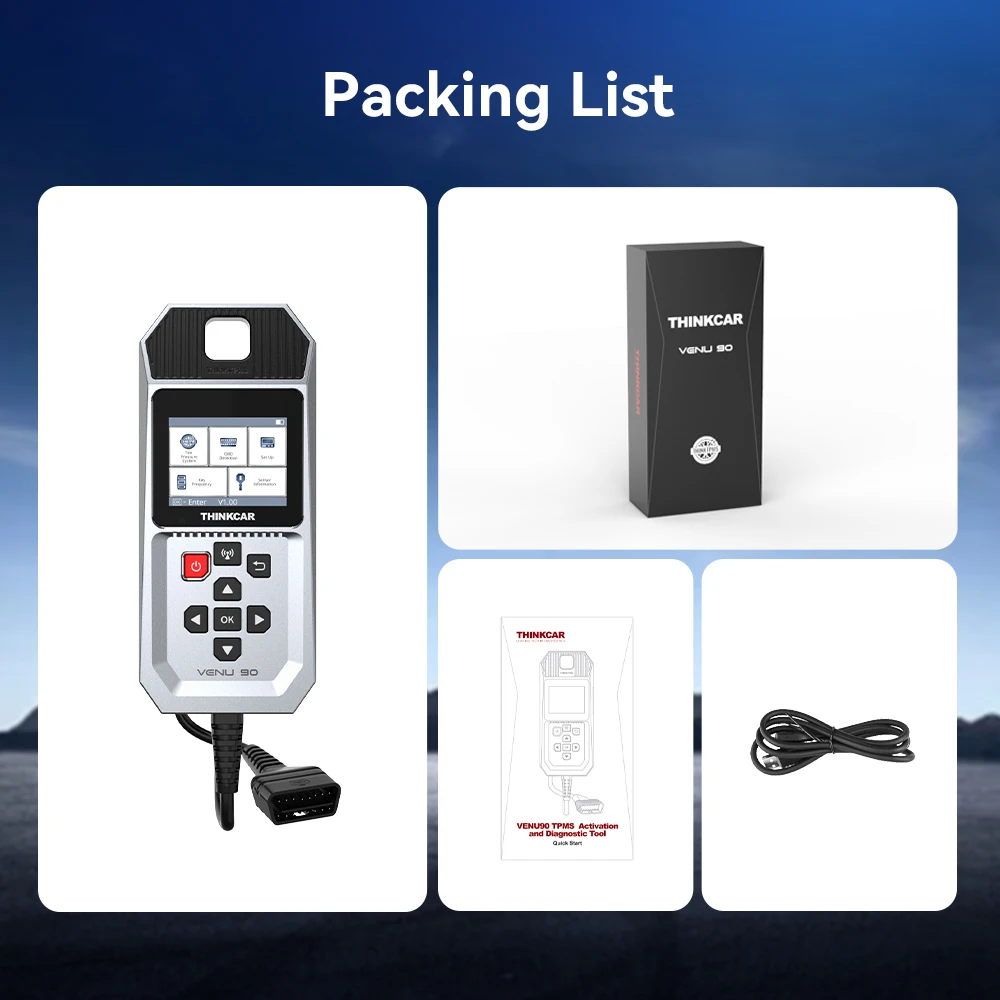
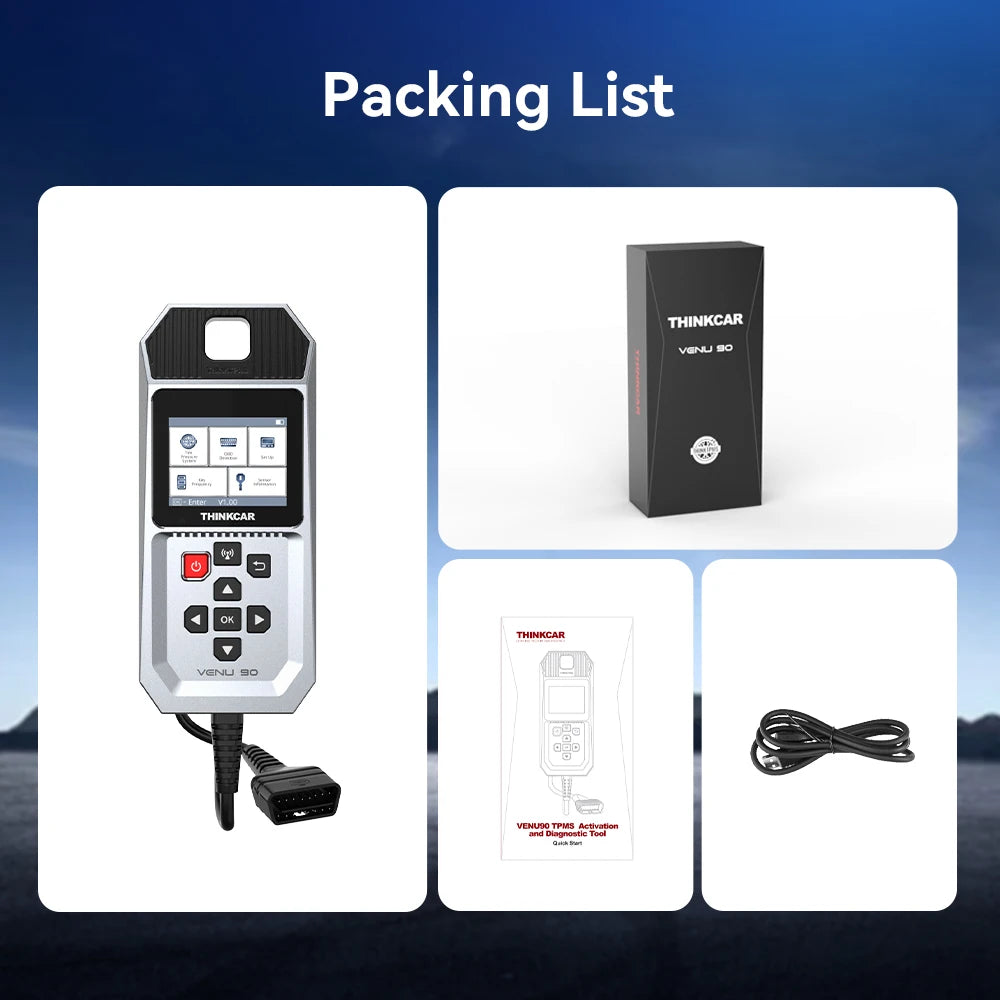
Packing List