OBDLAUNCH
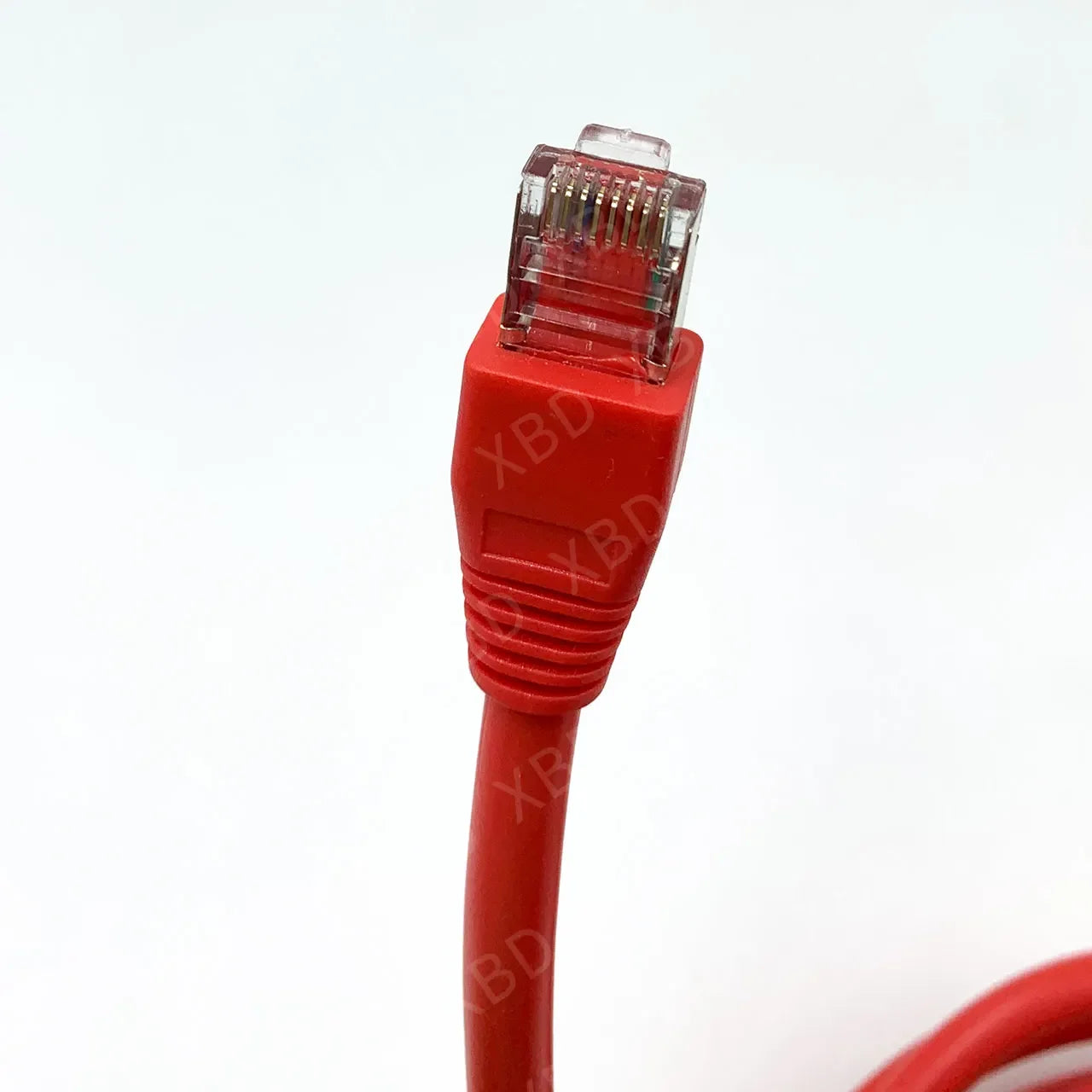
For BMW F-series Cable Code Hidden Line for BMW ENET ICOM Next Car Scanner ENET Cable ECU Programmer Diagnostic Tool
For BMW F-series Cable Code Hidden Line for BMW ENET ICOM Next Car Scanner ENET Cable ECU Programmer Diagnostic Tool
Couldn't load pickup availability
OBD2 Cable for ENET Cable ICOM Next Coding Diagnostic Line Hidden Data Auto ECU Programmer Tool for BMW F-series
Description:
For BMW series single module programming or modules hiding ENET data line.
For BMW hidden ENET data cable , F series programming cable , the latest 3.23.4 and V50.3 data.
For BMW F series , the new 1 Series, 3 Series, 5 Series, 7 Series , GT, X3, brush hidden upscale programming line
goes on sale !
Buy our ENET lines are presented 3.23.4 software installation packages and ETOKEN and PIN.
This product uses the international top super-six production lines , shielding interference, signal transmission
intensity , really pure copper wire, green insulation , not comparable to other lines .
Functions:
One can hide modules or program single module
1. Lock unlock sound confirmation ( to prevent radio interference, add sound to confirm car locked when turn
light confirmation inconvenient. This is setup in cic)
2. Can operate the navigation menu including watching dvd when driving( for driving safety. Let the side driver
operate the navigation menu )
3. Display engine output and torque meter ( purely fun, look engine output )
4. Cancel confirmation screen big screen boot delay
5. Open the voice recognition function
6. Three kind of bluetooth phone ringtones ( personality only )
7. Increasing the cic memory address to 50
8. The glass automatically rise to the top process is not terminated by the car door ( easy to get off to close the
window waiting )
9. The digital speed display ( fun only )
10. Air-conditioned memory of the last off state ( without air conditioning season is more convenient )
11. Indoor cycling memories of the last time the state when engine off
12. A-pillar electric tailgate buttons and remote control a key to close the power tailgate. At any time terminate
the reverse operation ( turn off 15 minutes or more reset )
13. Increasing shift paddles
14. The small screen to the large-screen display modify
15. Pdc display vertical and horizontal
16. Disable the seat belt status display - passenger seat
17. Disable the seat belt status display - driver seat
18. Disable seat belt reminder mistake ! The link is invalid. Device - passenger seat
19. Disable seat belt reminder - driving position
20. Disabled unfasten their seat belts voice prompts - passenger seat
21. Disabled unfasten their seat belts voice prompts - driving position
22. Intersection vehicle high beam automatic control ( no condition tested. Do not know if it is valid )
23. Angel eyes open and cancel functions
24 turn off the engine start-stop function turned on by default
25, gps time synchronization
26. Foot open the back cover
27. Ds show s1-s7 selection
28. Active sports gearbox program sport +
29. Single microphone settings
30. Engine off automatically unlock
31. Internet applications
32. Armrest usb playback video
33. The maximum distance disable front camera view
34. The maximum distance to disable the rear camera view
35. Maximum speed disable front camera view
36. The maximum speed to disable the rear camera view
Brush Manual:
Computer system is best to use Win XP or Win 7 32 bit
V50.2 Extracting passwords: SQnd$CXL PIN: 2670
V50.3 Extracting passwords: E*G@rqVa PIN: 2670
1. Unzip"For BMW323 ( Brush software)" to D:\ (Must)
2. Any unzip "psdzdata1~30 part" In a file to D:\ For BMW323 \ DATA (Must)
3.After completion of the above steps, Send the program shortcuts to the desktop.
Double-click to run the Brush software program.
First line into the OBD port pilots left knee, bottom left (required fingernail to pull open
the cover with OBD logo) when the note D-head in the direction, X3 1 are located on
left foot . ENET line crystal head into the computer, XP TCPIp local connection will
automatically get address; does not turn on the car power brakes, no need to open the
engine, connect the data cable after (this time must be patient to wait one to two
minutes automatically find a local network addresses, and so there is no success on
the connection), point software Connection logo.
Open the software or ZGW_SEARCH.exe software read frame number,
according to point connection Button, and then the two little computer icon icon
becomes the middle there is a red cross on the connection is successful!!
Even the computer is not connected to the car after the successful generally have the following situations:
(1) The computer's IP address is not local connection is set to Automatic, if set into a fixed IP address Rom drive Son;
(2) The car did not open or even the power of the car did not wait to find the IP address;
or because the local connection and a wireless connection from Conflict! There will be
a part of the car suddenly Rom or have been connected to it out of the red cross, but
can not read the car Data, there C060 Error, this problem can be locked car like ten
minutes, restart your computer to reconnect the Solve this problem;
(3) Open the software did not choose to have their own chassis number of the last part
of the (Click on the image selection);
(4) WIN7 computer system is not compatible with XP SP3 running ZGW_SEARCH
software, or software without In the administrator mode;
(5) Such as the generation of local connection has limited, as long as the normal reading frame number does not affect use;
(6) Cable damage during transport. Such as determining the cord is damaged, please
contact the seller! ! Brush remember not just mobile computers and cables! ! !
Do not start Brush antivirus and firewall otherwise PSDZ error, and not to open extra
Program!
Packing List:
1 x For BMW ENET Coding Data Cable